Skip to content

ShipwickProduction deployments on your own server.

One small file describes your application. One command ships it, with health checks, automatic rollback and HTTPS. Jobs, backups, secrets and a dashboard are included. All of it on the Linux server you already have.
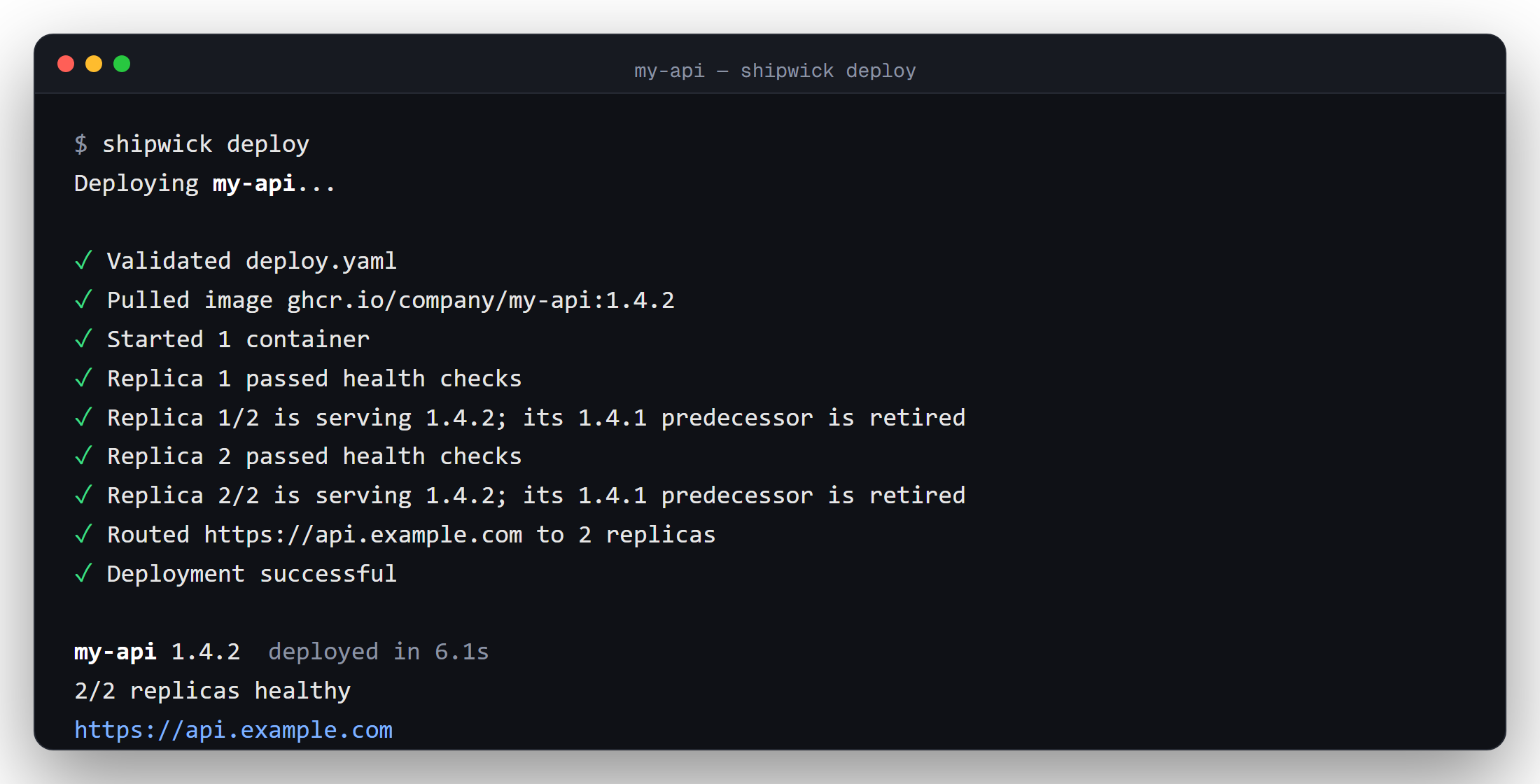
A terminal showing shipwick deploy pulling an image, passing health checks, routing a domain and finishing in 6.1 seconds

Three steps, five minutes ​

A Linux server with Docker, a domain that points at it, and an image of your application. That is all Shipwick asks for.

1

Set up the server ​

Run one command on the server. It installs the agent, the reverse proxy and the dashboard, and prints your API token.

bash
curl -fsSL https://get.shipwick.com | sh
2

Connect your laptop ​

Install the CLI and sign in once. From now on shipwick talks to your server, from anywhere.

bash
brew install shipwick/tap/shipwick
shipwick login --url https://agent.example.com
3

Deploy ​

Describe the application in deploy.yaml, then ship it. Replicas are replaced one at a time, each only after it proved healthy.

bash
shipwick init
shipwick deploy
yaml
# deploy.yaml
name: my-api
image: ghcr.io/company/my-api:1.4.2
port: 8080
domain: api.example.com
replicas: 2

health:
  path: /health
text
$ shipwick deploy
Deploying my-api...

✓ Validated deploy.yaml
✓ Pulled image ghcr.io/company/my-api:1.4.2
✓ Started 1 container
✓ Replica 1 passed health checks
✓ Replica 1/2 is serving 1.4.2
✓ Replica 2 passed health checks
✓ Replica 2/2 is serving 1.4.2
✓ Routed https://api.example.com to 2 replicas
✓ Deployment successful

my-api 1.4.2  deployed in 6.1s
https://api.example.com

Everything a small production needs ​

Rolling deployments ​

One replica at a time, each only after it passed its health check. A version that does not come up is rolled back on its own; the one that works keeps serving.

HTTPS, done ​

Every domain gets a certificate and is load-balanced across healthy replicas. Aliases and www redirects are one line each. There is no proxy configuration to write.

Jobs and migrations ​

A command that runs from the new image before any replica starts. Cron jobs from the same image. shipwick run my-api -- rails db:migrate for the one you do by hand.

Databases, volumes, backups ​

Persistent volumes for the things that keep data. shipwick backup downloads them as plain tar files; shipwick restore puts one back.

Secrets and tokens ​

${PASSWORD} keeps secrets out of files; the server stores them encrypted. Tokens with roles: deploy for CI, read for a teammate, admin for you.

A dashboard that knows everything ​

Replicas, health, a week of CPU and memory, deployment history, live logs, jobs, backups and tokens. Whatever the dashboard does, the CLI and the API can do too.

Two applications and a database ​

Applications reach each other by name on the server. No domain is needed for that, and nothing outside can reach those names.

yaml
# postgres/deploy.yaml
name: postgres
image: postgres:17
port: 5432
env:
  POSTGRES_PASSWORD: ${POSTGRES_PASSWORD}
volumes:
  - name: data
    path: /var/lib/postgresql/data
health:
  tcp: 5432
deploy:
  strategy: recreate
yaml
# api/deploy.yaml
name: api
image: ghcr.io/company/api:2.3.0
port: 8080
domain: api.example.com
env:
  DATABASE_URL: postgres://app:${POSTGRES_PASSWORD}@postgres:5432/app
health:
  path: /health
pre_deploy:
  command: ["./migrate", "up"]
yaml
# web/deploy.yaml
name: web
image: ghcr.io/company/web:2.3.0
port: 3000
domain: example.com
redirects: [www.example.com]
bash
shipwick deploy -f postgres/deploy.yaml -f api/deploy.yaml -f web/deploy.yaml --env-file .env.production

They deploy in that order. If one fails, the ones after it are not touched, and the one that failed keeps running its previous version.

Why one server ​

A single server is a lot of computer. A few cores, a few gigabytes of memory and a good network run a company's whole product for the price of a lunch a month, and most products never need more than that. What such a server lacks is not power but the platform around it: deploying without downtime, restarting what crashes, rolling back a bad release, serving HTTPS, keeping secrets out of files, running the nightly job, taking the backup.

Shipwick is that platform, built for one server on purpose. One process, one SQLite file, one YAML file per application. Nothing to keep alive besides the server itself. When one server is no longer enough, you have outgrown Shipwick, and the deploy.yaml you wrote says everything about the application that the next platform will ask.

Install ​

On a Linux server with Docker, as root:

bash
curl -fsSL https://get.shipwick.com | sh

On your laptop or in CI, only the CLI:

bash
curl -fsSL https://get.shipwick.com | sh -s -- --cli

Or with Homebrew: brew install shipwick/tap/shipwick. Everything the installer downloads comes from one release and is verified against its checksums. The agent holds the Docker socket, so an admin token is as valuable as root SSH access to the server: read Security before you put it on the internet.